The Best Korean SIM Cards & eSIMs For Your Trip to Korea
Last Updated on October 14, 2026
I help tourists, generally university students headed to Korea every spring and summer, sometimes just a few and sometimes upwards of 30 tourists at a time which means I’m often on the search for the updated info on SIM cards, eSIMs, and the WiFi amenities my travelers need. Did you know there are more than 500,000 public WiFi hotspots in Seoul? WiFi is readily available and easy to access in Korea, but you still need a Korean phone number for a surprising number of things, so a SIM or eSIM is not only a convenient travel purchase, but for Korea can very much be a necessary one.
So here we are. Everything you need to know about SIM cards and eSIMs in Korea, what they actually cost right now, and which one is right for your trip.
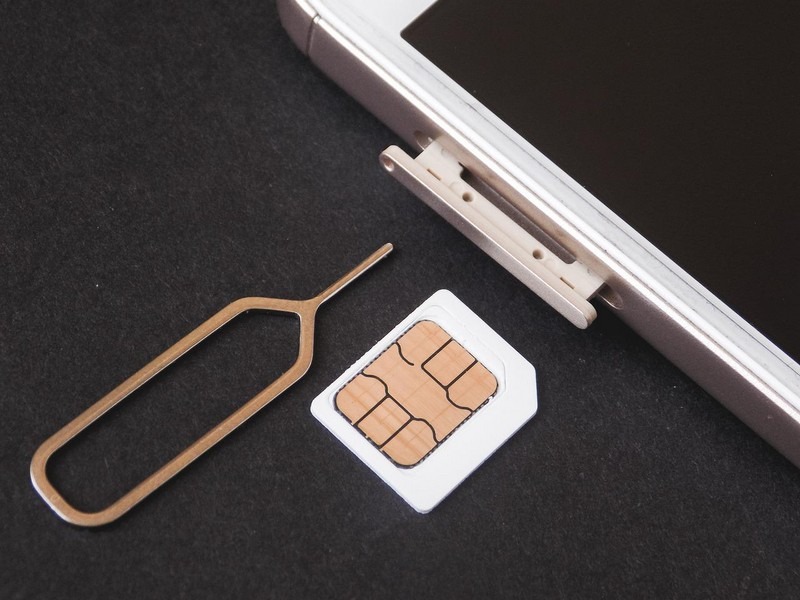
Get ready to stay connected with a SIM card in Korea:
- Quick Answer: Which One Should I Get?
- Will my phone work in Korea?
- Do I need a SIM card in Korea?
- Will My Map App Work?
- Where can I buy a SIM card?
- Nomad eSIM
- Pocket WiFi vs. SIM vs. eSIM
- The WOWPass / T-Money Combo
- SIM Card Requirements
- Korean Mobile Operators
- What to Check Before You Buy a SIM Card for Korea
- Best SIM Cards & eSIMs for Travelers
- How can I get a SIM card from Korea?
(This post contains affiliate links, which means I receive a certain percentage of a sale if you purchase after clicking at no cost to you. Thank you for your support.)
Quick Answer: Which One Should I Get?
This article has a ton of information for you to hash through IF you want and you CAN read more about the best SIM cards and eSIMs below in more detail, but if you’re just here for a quick guide, then I’ll do that here right off the bat.
| Your Situation | Get This |
|---|---|
| Trip under 2 weeks, want a Korean number for restaurant/ticket bookings | eSIM with a 010 number (SKT or LG U+) |
| Trip under 2 weeks, just need data, don’t care about a number | Budget data-only eSIM (cheapest option) |
| Traveling with family/group, sharing one connection | Pocket WiFi (portable router) |
| Staying 1–3 months (study abroad, long visit) | Physical SIM with extension option, or the WOWPass/T-money combo |
| Old phone that doesn’t support eSIM | Physical SIM card |
| You want the easiest possible pickup/support experience | Trazy or Creatrip, both are Korea-based, which matters more than you’d think if something goes wrong (see below) |
I’ll walk through all of the reasons below, but the table covers about 90% of the travelers coming to Korea in my experience.
Will my phone work in Korea?
Different countries use different frequencies. You’ll want to make sure that your phone or device supports GSM network frequencies. If you click on that link, you can find your mobile and then click on it and see if it supports these GSM frequencies:
- 4G LTE Bands: Band 1(2100MHz), Band 3(1800MHz), Band 8(900MHz)
- 3G Bands: HSDPA 2100MHz/HSDPA+
- 5G: increasingly standard on tourist eSIMs now too, several of the eSIM options below explicitly include 5G speeds where your device supports it.
If your phone has a SIM card slot, it supports GSM and will work. CDMA-only phones will not work in South Korea.
Do I need a SIM card in Korea?
It’s pretty easy to get around Korea independently, but there’s no better travel companion than a working phone. Almost all accommodations offer free WiFi, and there’s free WiFi on all public transportation too, but the second you step outside those bubbles, you’re on your own.
Roaming costs from your home carrier are usually high, and Korean SIMs/eSIMs are cheap by comparison (some of the options below cost less than a coffee per day), so it’s a good investment. Korea has some of the best LTE and 5G coverage in the world, so once you’re connected, you’re covered almost everywhere.
Here’s the part that surprises visitors to Korea: A lot of everyday systems in Korea require a Korean phone number, not just WiFi. The tourists I was helping wanted to see musicals and K-pop shows, and ticketing platforms like Interpark, Melon Ticket, YES24, and Ticketlink all require phone verification with a Korean number to book. The same is true for a lot of restaurant reservation apps and some delivery apps. WiFi alone won’t get you a Korean number, you need an actual SIM or eSIM for that.
One more thing worth knowing: a Korean phone number must be registered to a passport. There’s no such thing as an anonymous prepaid SIM here the way there is in some countries, every SIM sold to tourists, physical or digital, is tied to your passport at activation, which is why they’re used in lieu of ID verification. This is just how the system works, not something specific to any one provider.
Will My Map App Work?
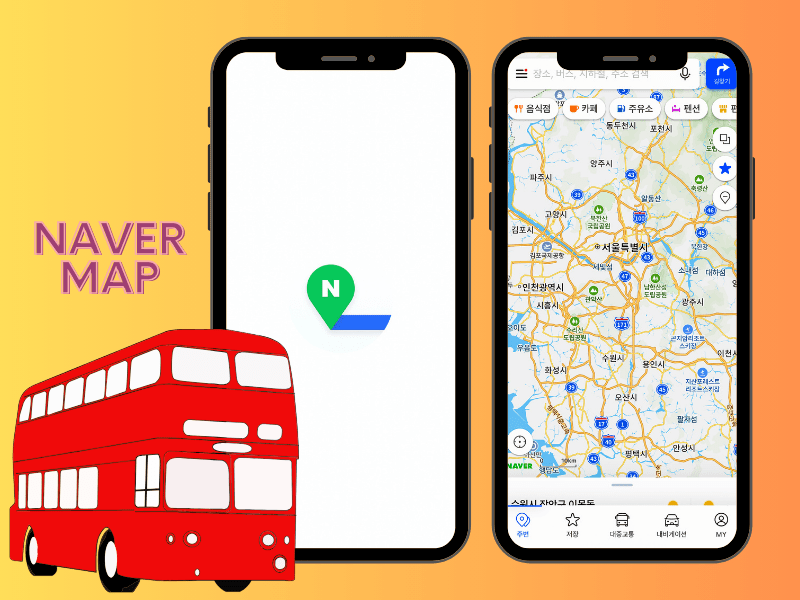
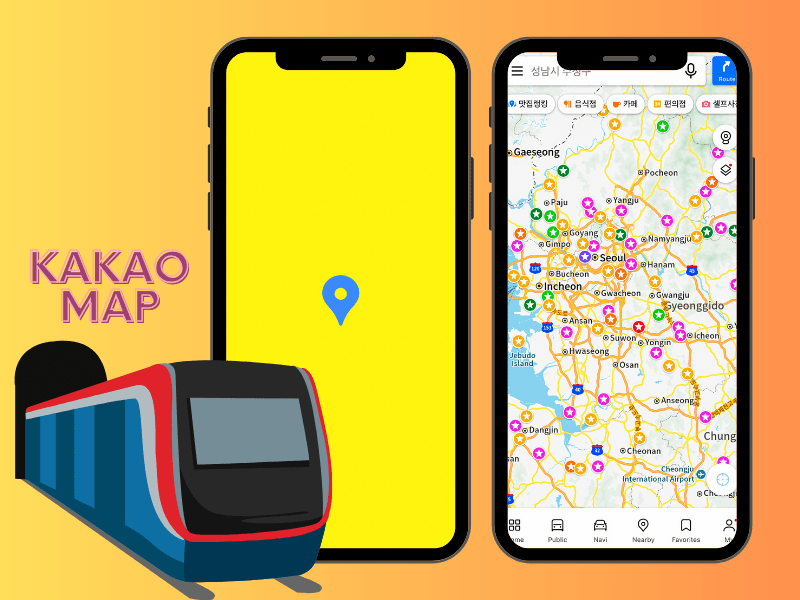
This is the thing I wish more guides mentioned before people land: Google Maps is not as good as localized mapping services. Other travelers will tell you that they used Google Maps and it worked just fine for them. Sure, it works “just fine”, but if you used it, you have no idea what you’re missing out on by using Naver Map or Kakao Map. You can search for places and see pins, but ask it to route you somewhere and it won’t, isn’t able to really show you the best routes either. It’ll get you there, but it will likely not be the most efficient and you could gain a lot more information, like the best train car to be on to transfer the fastest, etc, if you used the other two apps.
The apps that actually work for navigation here are Naver Map and Kakao Map, both have English-language modes now and handle walking directions, subway routing, and driving just fine. Download one of these before you land, alongside whatever SIM or eSIM you choose, because data without the right map app will still leave you lost.
I go into more detail on this and the other apps you actually need in Korea (KakaoTalk, Papago, and more) in my guide to the essential apps for visiting Korea. Worth a read alongside this one.

Where can I buy a SIM card?
The easiest route is to pre-purchase online and either pick it up at the airport or have your eSIM emailed to you before you land. You can buy on arrival at Incheon too, but pre-purchasing usually gets you a better rate and tells you exactly where to go, which is one less thing to figure out after a long-haul flight.
A few platforms to know, and how I personally use them:
- Creatrip — Korea-based, and a platform I’m increasingly using and recommending. Their listings are detailed (down to exact pickup counter hours), and pricing is transparent up front. They often have more unique experiences than platforms abroad and as a local company, if you have any issues, they can help you quickly and efficiently on the ground.
- Trazy — a Korea-based company, which I like specifically because when something goes sideways (wrong SIM size, activation issue, pickup counter confusion), you’re dealing with a local team that understands the Korean telecom system firsthand, not a call center abroad. This is genuinely useful and it’s why I’ve defaulted to Trazy for years.
- Klook — still a solid option, though I now route Klook (along with Viator and GetYourGuide) through an aggregator system rather than direct Klook links, which works better on my end. Functionally, the products themselves are the same as always.
- eSIM Korea by Whiz — a dedicated eSIM specialist if you want a company that only does eSIMs and knows the format well.
Between these, you’re covered for nearly every SIM/eSIM product on the market, they’re often reselling the same underlying carrier products (SKT, KT, LG U+) at different prices and bundles, so it pays to compare rather than assume one platform is automatically cheapest.
Nomad eSIM
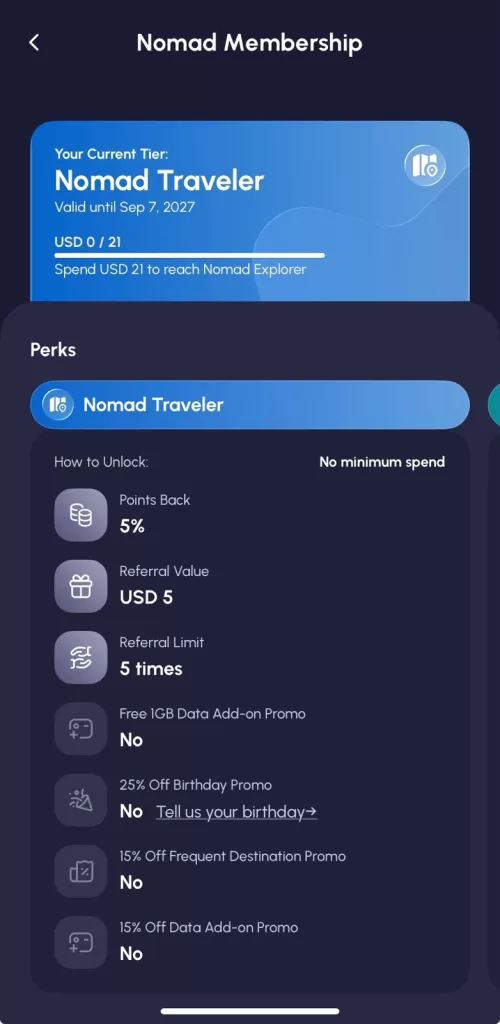
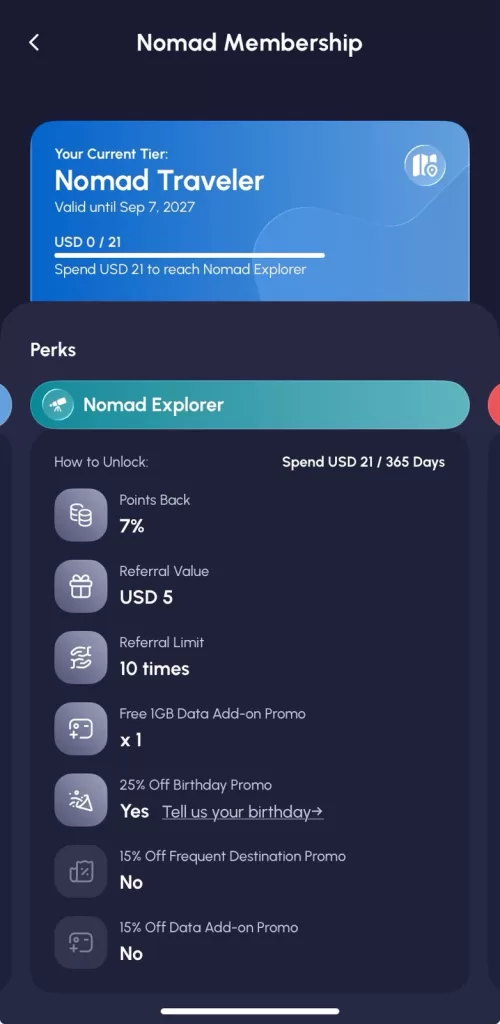
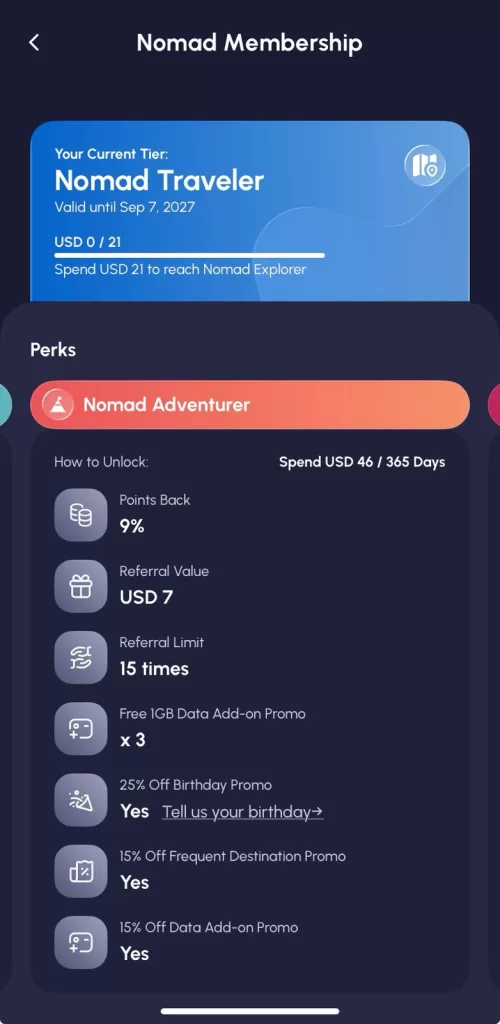
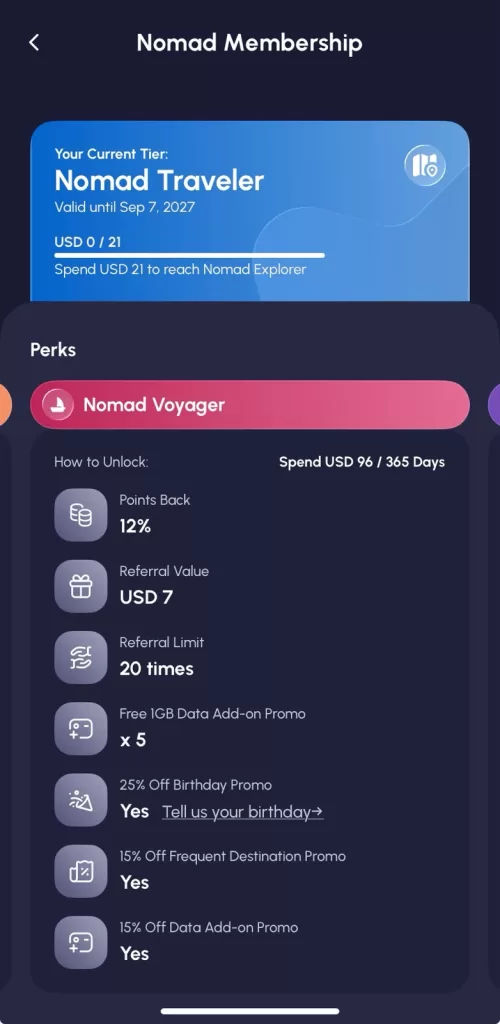
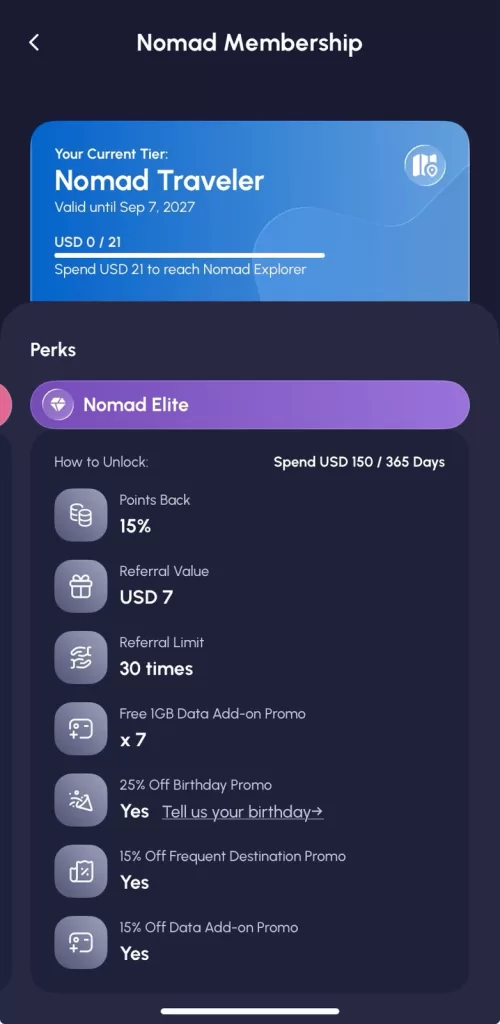
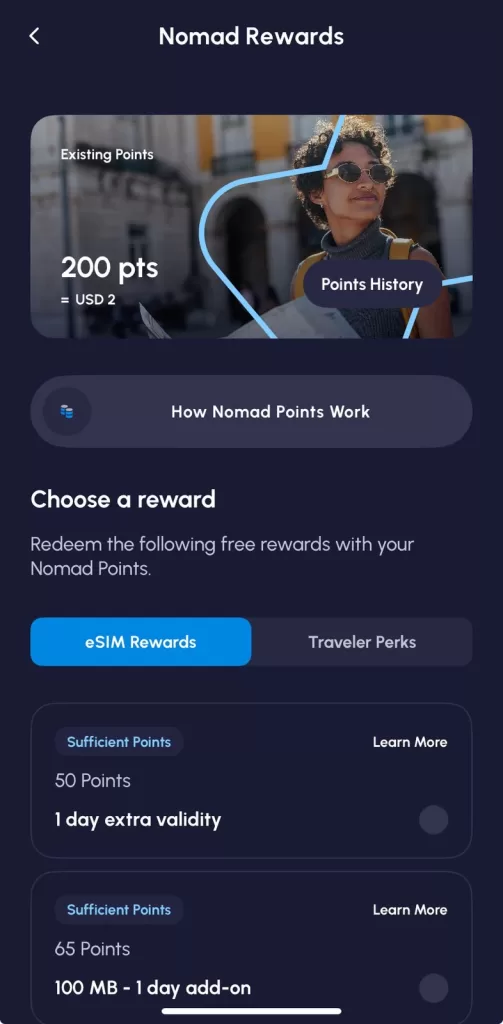
If you’re looking for a data-only eSIM rather than a Korean phone number, Nomad eSIM is another option to compare. Their South Korea eSIM plans start from KRW5,396 and connect through major Korean networks including SK Telecom, KT olleh, and LG U+. There are different data options available, but I tested one of Nomad’s fixed-data plans, which I actually like because I could easily open the Nomad app and see exactly how much data I’d used and how much I had left.
You can buy and install the eSIM before your trip (you’ll need an internet connection for installation), and your plan starts when it connects to the destination network in Korea. Just make sure you activate it within 60 days of purchase.
I did initially have trouble getting my eSIM to connect even though I’d followed the setup instructions. I pulled up Nomad’s troubleshooting guide, restarted my phone as suggested, and that was all it took. After that, it connected easily to the local Korean networks and worked just fine while I was out traipsing around Jeju Island. I even tested it while walking on the Jeju Olle-gil, away from the busier city areas, and had no issues staying connected.
I also tested the hotspot feature and was able to connect another device without any trouble. Between the hotspot option and being able to keep an eye on my remaining data in the app, the fixed-data plan was pretty easy to manage while I was out and about.
Who would I recommend Nomad for? If you mainly need data for maps, transportation, messaging, translations, reservations, and everything else you’ll be doing on your phone in Korea, it’s a convenient option. It’s especially appealing if you want to get your eSIM sorted before your flight and don’t need a Korean phone number. Based on my experience, I’d also consider it for travelers heading beyond Seoul since I had no trouble using it while exploring Jeju.
Pocket WiFi vs. SIM vs. eSIM
It’s up to you and what you’re trying to do while you’re here. There are some key advantages and disadvantages to both though so just make sure you have an idea of what you’ll need a phone number or Wifi for while you’re here.
| Local Phone # | Multiple Devices | Setup | Charging Needed | Best for | |
|---|---|---|---|---|---|
| Pocket WiFi (router) | No | Yes (usually 3–5 devices) | Pick up device, turn on | Yes, nightly | Families/groups sharing one connection |
| Physical SIM | Yes (optional) | No, one device only | Swap SIM tray, may need unlocking | No | Anyone who wants a number and doesn’t mind a quick swap |
| eSIM | Yes (optional) | No, one device only, though most phones let you keep your home SIM active alongside it | Scan a QR code, no physical swap | No | Newer phones, anyone who wants the least hassle |
- Pocket WiFi advantages: one device covers your whole group, no need for everyone to have their own local number.
- Pocket WiFi disadvantages: one more thing to charge and carry, and you’re tied to wherever that device is.
- SIM/eSIM advantages: you personally have a Korean number, which matters for the booking situations above; nothing extra to carry or charge.
- SIM/eSIM disadvantages: your home number won’t ring on that device while it’s active, though apps like KakaoTalk, WhatsApp, or Google Voice cover most of that gap.
Good to know: Most modern phones can run your home SIM/eSIM (for calls/texts) and a Korean data eSIM at the same time. You don’t have to choose between “reachable from home” and “have a Korean number”, you can usually have both.
The WOWPass / T-Money Combo
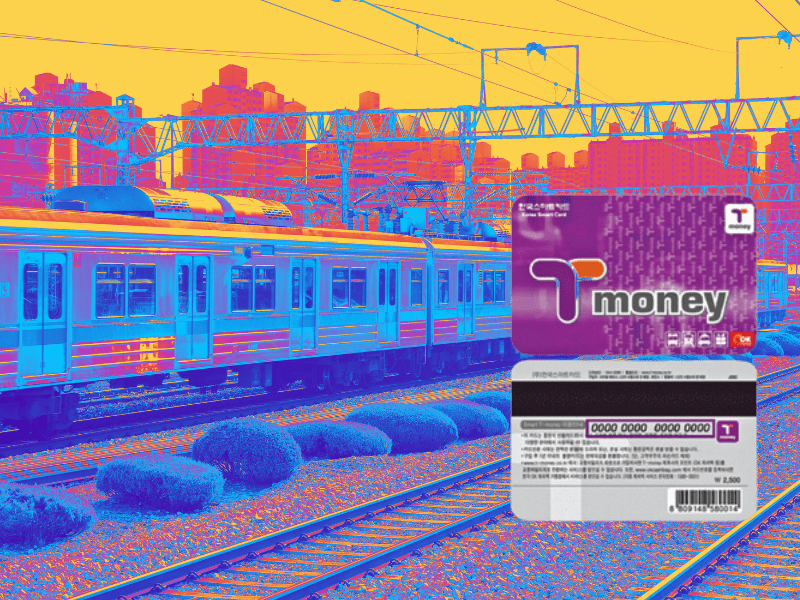
This one doesn’t get talked about enough, and I’ve personally handed these to visiting students for years. WOWPass combines a prepaid card, which also works as a T-money transit card for subway, bus, and taxi, with a data plan, in one physical card you pick up at the airport. Several SIM providers now also bundle a T-money card directly with their SIM or eSIM, the LG U+ SIM I’ve linked below, for example, doubles as a rechargeable T-money card after your data period ends, so it’s not just disposable.
For anyone running or attending a study program, multi-week stay, or group trip, which is exactly the kind of thing I coordinate for visiting international students, this combo is one of the more practical setups I’ve seen: one card for transit, one for connectivity, minimal loose ends.
SIM Card Requirements
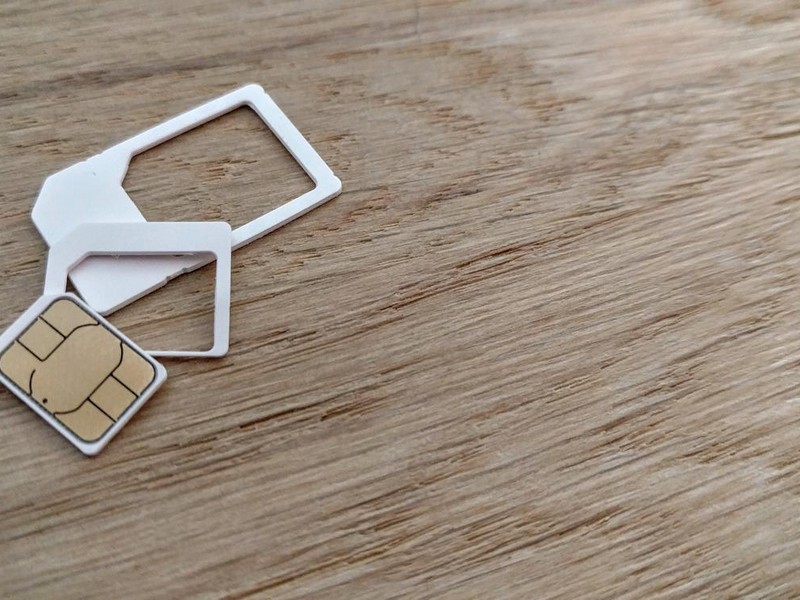
Before you even think about getting a SIM, make sure your phone is unlocked. I’ve been abroad so long I didn’t even think to mention this to the tourists I was helping, and several of them arrived with locked phones. Don’t be like them! Call your carrier before you fly, since it’s a much bigger headache to sort out once you’ve landed.
You’ll also need your passport on hand, as mentioned above, every SIM and eSIM in Korea, tourist or otherwise, gets registered to a passport at activation. There’s a short form usually your local address info, and then you’re connected.
Korean mobile operators
South Korea has three mobile operators that offer prepaid services that are easily accessible for tourists.
| Carrier | Coverage | Notes |
|---|---|---|
| SK Telecom (SKT) | ~95%+ | Widest range of eSIM duration options (1–90 days); voice/SMS available after verification |
| KT | ~95%+ | Physical SIM pickup at Incheon T1/T2, Gimpo, Gimhae (Busan), and Myeongdong; consistently detailed pickup info |
| LG U+ | Highest coverage of the three | Tourist SIM/eSIM typically only sold at airports or pre-ordered online; several products bundle a free T-money card |
What to Check Before You Buy a SIM Card for Korea
Before committing to a SIM card there are a few things you’ll want to check to make sure you’ve got your bases covered. Here’s what to check before you hit “buy”.
- Locked or Unlocked: Make sure your phone is unlocked or else you won’t be able to use a SIM card when you get it. If it’s locked, you’d have to call your phone carrier and that’s not too fun when you’re half way around the world. Do this before you get on the plane.
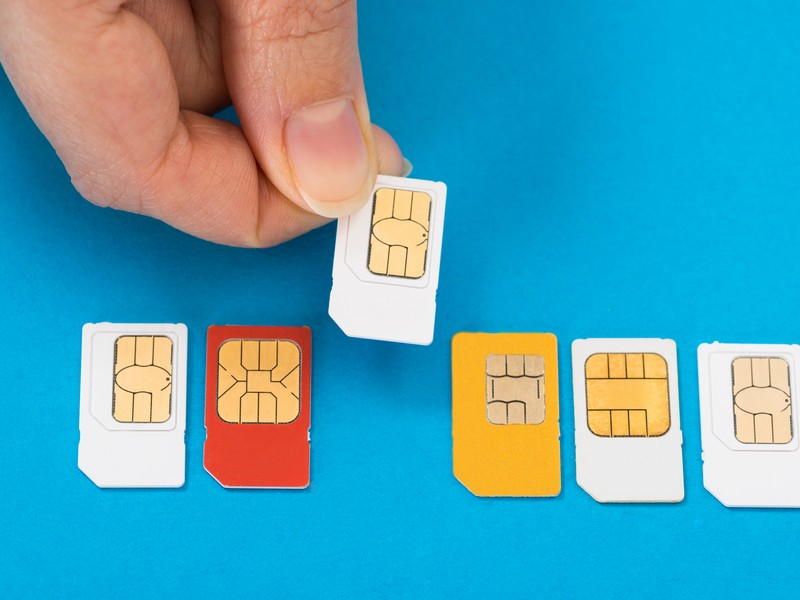
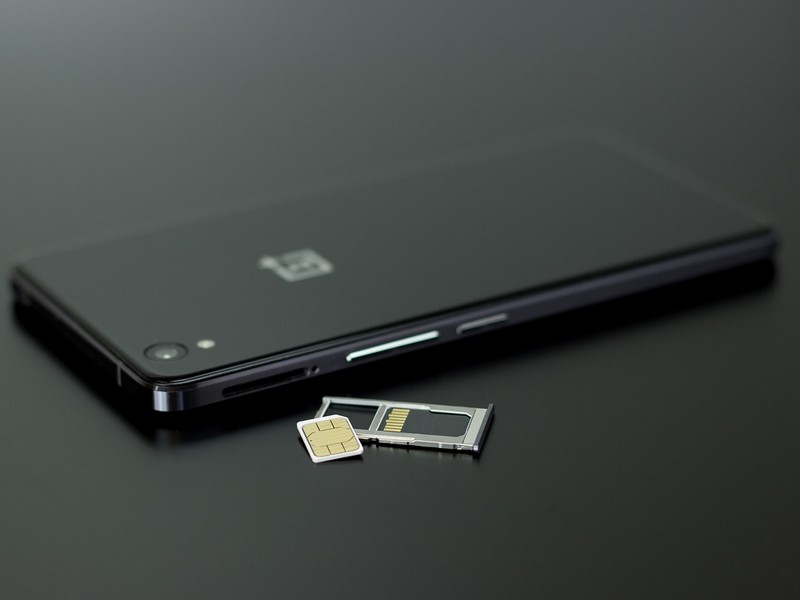
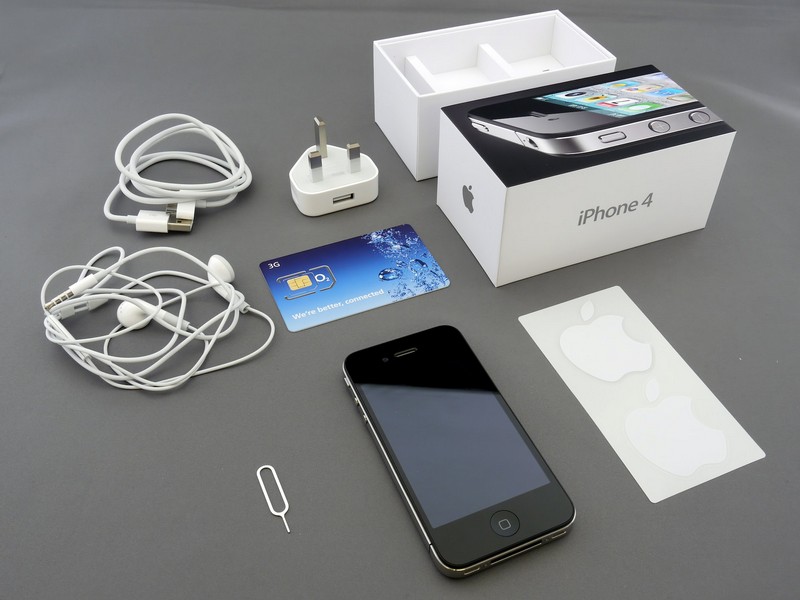
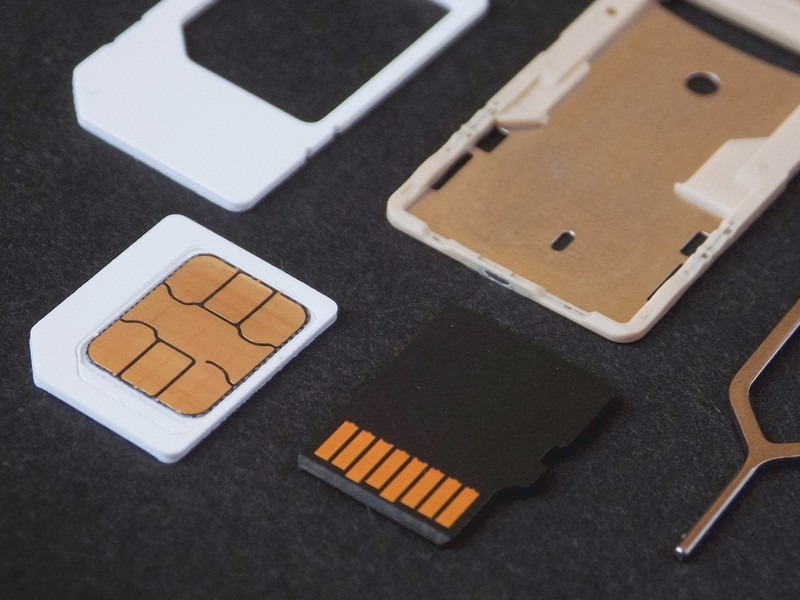
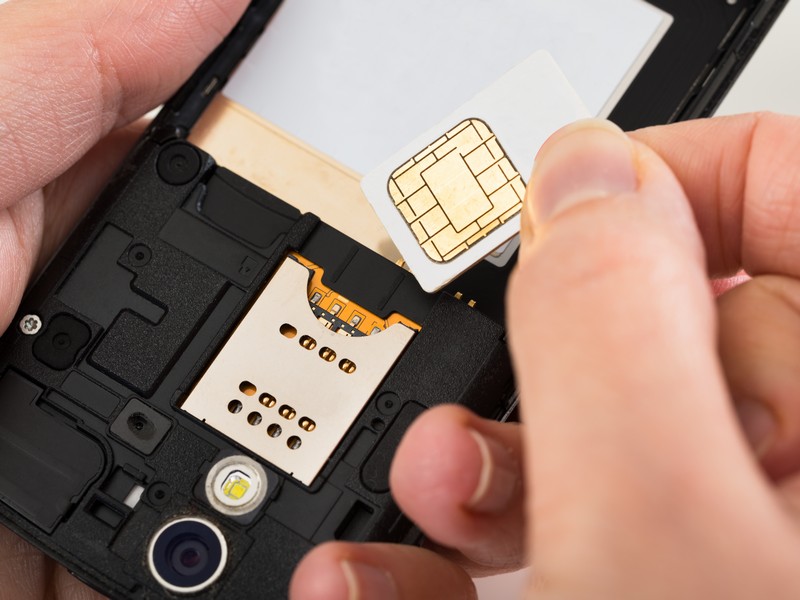
- The Right Fit: Most SIM cards now come in multiple sizes. SIM cards have decreased in size over the years though and some do only come in the nano-size so make sure that it would fit your phone just in case. You can check by either opening the slot on the side where the SIM card fits in, or checking the technical specifications.
- Data OR Data + Voice: Data-only SIM cards are the most common for tourists to use. You wouldn’t be able to make any voice calls or send text messages, but you can call and text via apps like Whatsapp, Google Hangouts, Kakao, or Skype.
- Duration: SIM cards are set up to be used for a certain number of days. The period starts when you activate the card and in most cases can’t be extended though there are some specific SIM cards that can be extended.
- Data: A lot of the SIM cards offer unlimited data but the speed is often throttled after a certain period of time. Some providers will start capping the speed after 2 or 3 GB is used in one day. Just so you know, 3GB is about the same as browsing the internet for 36 hours or watching 6 hours of video. Some cards only allow 500MB of high speed data usage per day. This is just fine if you’ll be connecting to the internet only intermittently throughout the day. You’ll quickly reach the limits if you’re streaming audio or video or check your social media apps too much.
Best SIM Cards & eSIMs for Travelers
Most travelers coming to Korea are short-term, or less than 30 days, so there are a lot of options for this group. Now, if you’re looking to get the best deal though, you need to pay a bit of attention because some companies really cater to the traveler that is staying 5-10 days while others cater to the traveler who is looking to stay for a month.
| Provider | Duration Options | Price Range | Notes | Purchase |
|---|---|---|---|---|
| KT 4G USIM | 3–90 days | ₩18,000 (~$13) for 3 days → ₩71,500 (~$52) for 30 days | Pickup at Incheon, Gimpo, Gimhae, Myeongdong; includes local number | Buy here on Klook, or here on Trazy |
| LG U+ SIM + T-money | 1-90 days | From ~$10–13 (varies by duration) | Doubles as a rechargeable T-money card after use, doesn’t need to be returned | Buy here on Creatrip |
| SKT (Jeju airport pickup) | 1–90 days | From ~$7 | Jeju-specific pickup; local 010 number, voice/SMS require top-up | Buy here on Creatrip |
| KT Olleh 4G/LTE SIM Card | 30 or 90 day terms | ₩42,800 ~ ₩166,700 | Pick up in Seoul near Myeongdong, can be extended for 30 days at a time for ₩36,300 up to 90 days, for more need a valid ARC card | Buy here on Trazy or on Creatrip |
| LG U+ or KT eSIM | 5-60 days | ₩8,900 ~ ₩156,400 | Delivered in an email, data only | 1 – 60 days (Buy here on Creatrip) 5 days or 10 days (Buy here on Klook) 5 days, 15 days, 20 days, or 30 days (Buy here on Klook) 14 days or 30 days (Buy here on Klook) 5-60 days (Buy here on Trazy) |
| SKT eSIM | 1-30 days | $4.99 ~ $29.00 | Delivered in an email, data only | Buy here on eSIM Korea or on Creatrip |
How can I get a SIM card from Korea?
Most eSIMs are delivered by email and physical SIMs are picked up at the airport counters listed above. I’d still recommend pre-purchasing before you fly, it’s much easier to compare options and read pickup instructions with a clear head than after an international flight. Before you take off, note down:
- Which counter you’re picking up from (and its hours, some aren’t 24-hour)
- Whether your specific plan needs online verification for calls/texts
- Your Naver Map or Kakao Map download, so you can actually find the counter once you land
Apps You’ll Want Regardless of What You Choose
Whatever SIM or eSIM you land on, a few apps make a bigger difference than the SIM itself:
- Naver Map or Kakao Map: for actual turn-by-turn directions (see above)
- KakaoTalk: the default messaging app in Korea; useful for coordinating with tour guides, restaurants, and delivery
- Papago: Naver’s translation app, generally more accurate for Korean than Google Translate
I cover this in more depth, including setup tips, in my guide to essential Korea travel apps.
FAQ
Do I need a Korean phone number to use KakaoTalk?
No, KakaoTalk can be set up and used with a foreign number and WiFi alone. A Korean number just isn’t required for the app itself.
Can I use Google Maps in Korea?
You can search and see locations, but Google Maps won’t give you walking, driving, or transit directions inside Korea. Use Naver Map or Kakao Map for actual navigation.
Is an eSIM cheaper than a physical SIM in Korea?
Often, yes, especially for data-only budget options, some eSIMs start under $3 for a few days, cheaper than most physical SIM equivalents. eSIMs with a local phone number are priced closer to physical SIMs.
Can I use my eSIM and my home country’s SIM at the same time?
Usually yes. Most modern phones let you keep your home SIM/eSIM active for calls and texts while running a Korean data eSIM separately, check your phone’s dual-SIM settings.
Will my SIM or eSIM work on Jeju Island and outside Seoul?
Yes, all three major carriers have strong nationwide coverage, including Jeju (SKT even offers a Jeju-specific airport pickup option). Coverage in remote mountain trail areas can occasionally dip, but cities and towns are well covered.
Do I need a local number to buy K-pop concert or musical tickets?
Yes, in most cases. Platforms like Interpark, Melon Ticket, YES24, and Ticketlink typically require phone verification with a Korean number.
Can I get a SIM card for just a 2–3 day trip or layover?
Yes, most providers offer 1–3 day options, and several budget eSIMs are priced per day specifically for short stays.
Do I need a passport to buy a Korean SIM?
Yes, for essentially all standard SIM and eSIM products sold to tourists, Korean phone numbers are registered to a passport at activation, with no anonymous option.
Whether you go with a physical SIM, an eSIM, or a pocket WiFi, don’t forget to pre-purchase before you land and download a proper map app while you’re at it, the SIM alone won’t stop you from getting lost on day one.
Did you like this post? Pin IT!


5 Comments
Jean Irving
I would like to get a sim card for 30 days and possibly extend it for a further 30 or 60 but I note that they stop working if you leave the country. I am planning a 3 day trip outside of Korea so will the card cease to operate then? I have a dual sim card slot in my phone so if I take the sim card out of the phone will that allow it to still be active when I return?
Thank you for clarifying this.
Justine A
Hi Hallie
Just booked my flights and I arrive after the kiosks shut at the airport for SIM card pick up. Do you know of any companies that deliver SIM cards to the hotel you are staying at?
Thanks
Justine
Hallie Bradley
Hi Justine,
Can your phone use an eSim? They’re easy to use [according to my friends who have visited and used it]. That might be a good option if the kiosks are closed. Alternatively, Klook and Trazy options can be picked up in Hongdae or Myeongdong as well.
Shashank Verma
Hi Hallie,
Just came across your website while looking for some info on Korean SIM cards. Looks like I have only scratched the surface so will be going through it in more detail 🙂
Not sure how up to date this info is now.
What would you say is the best Data-only SIM together with T-Money?
Although I noly need it for 4 days I would have to go for 5 days.
Many thanks in advance.
Shashank
Jessica M Bird
Perfect article to get the SIM card low down.